

 Image 1 of 10
 Image 2 of 10
 Image 3 of 10
 Image 4 of 10
 Image 5 of 10
 Image 6 of 10
 Image 7 of 10
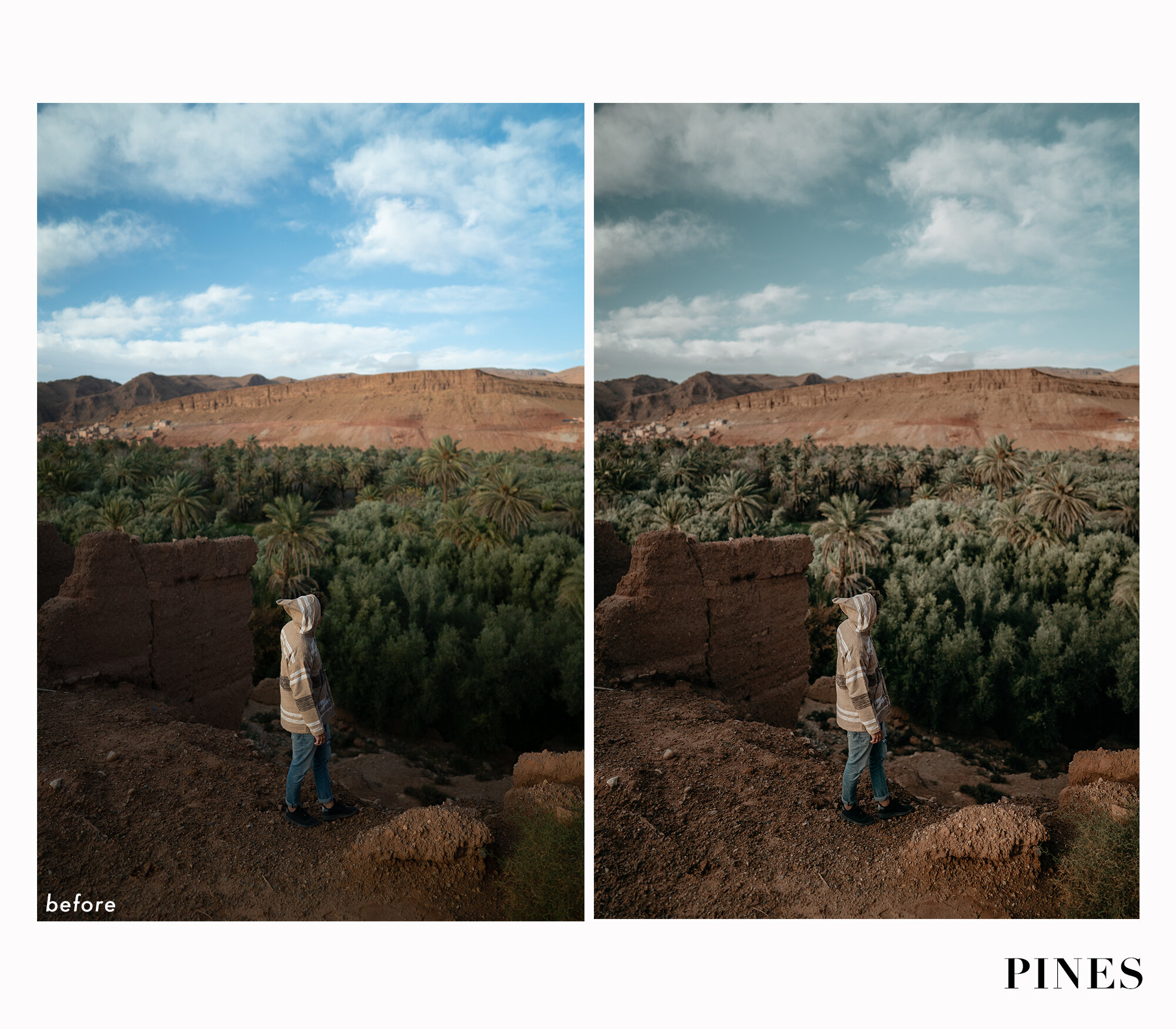 Image 8 of 10
 Image 9 of 10
 Image 10 of 10

About Installing your Presets
Each of our Not Just Colour preset packs also come with a step by step PDF guide and a step by step video guide to walk you through the simple process for how to import them into Lightroom. You can also check out these two pages on the website: Install Mobile & Install Desktop.
Don’t forget we’re also here to help you if you have any questions. Contact us through @notjustcolour on Instagram, or through email at notjustcolour@gmail.com. We’ll get back to you as soon as we can!


Additional Information
Remember, each image is different, and you most likely will need to tweak a few cursors once the preset is applied. But don’t worry, we’ve compiled a simple guide to help you decide which cursor to move and how. Head to the Install Mobile or Install Desktop page for more information.
These presets are designed to use on the free Lightroom Mobile app and are compatible with raw and jpeg photos. Your new Not Just Colour presets will be sent to you via email, immediately after payment is received.